Your First Simulator Session
If you've never been to an indoor golf simulator venue, the experience might feel unfamiliar. But don't worry — simulators are designed to be approachable for golfers of all skill levels, including complete beginners. Here's everything you need to know before your first session at Bay24.
What Is a Golf Simulator?
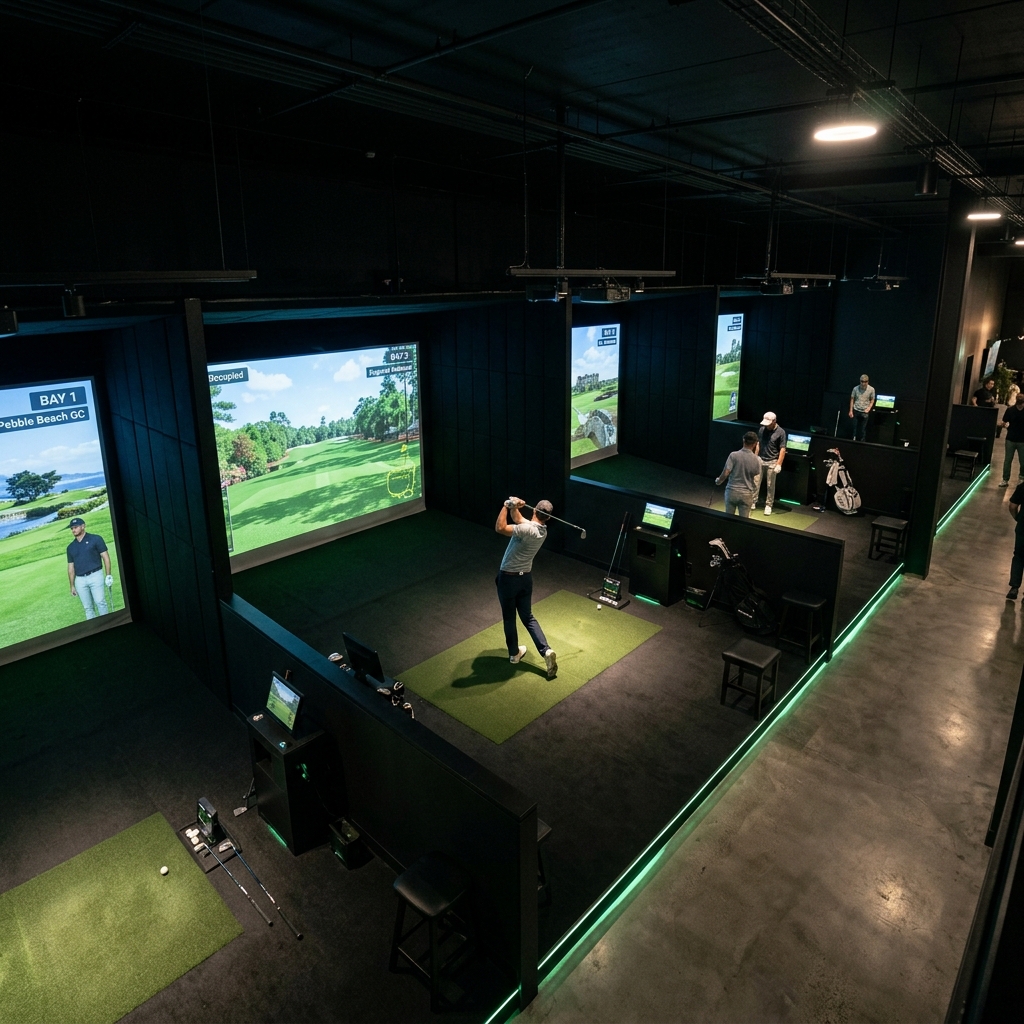
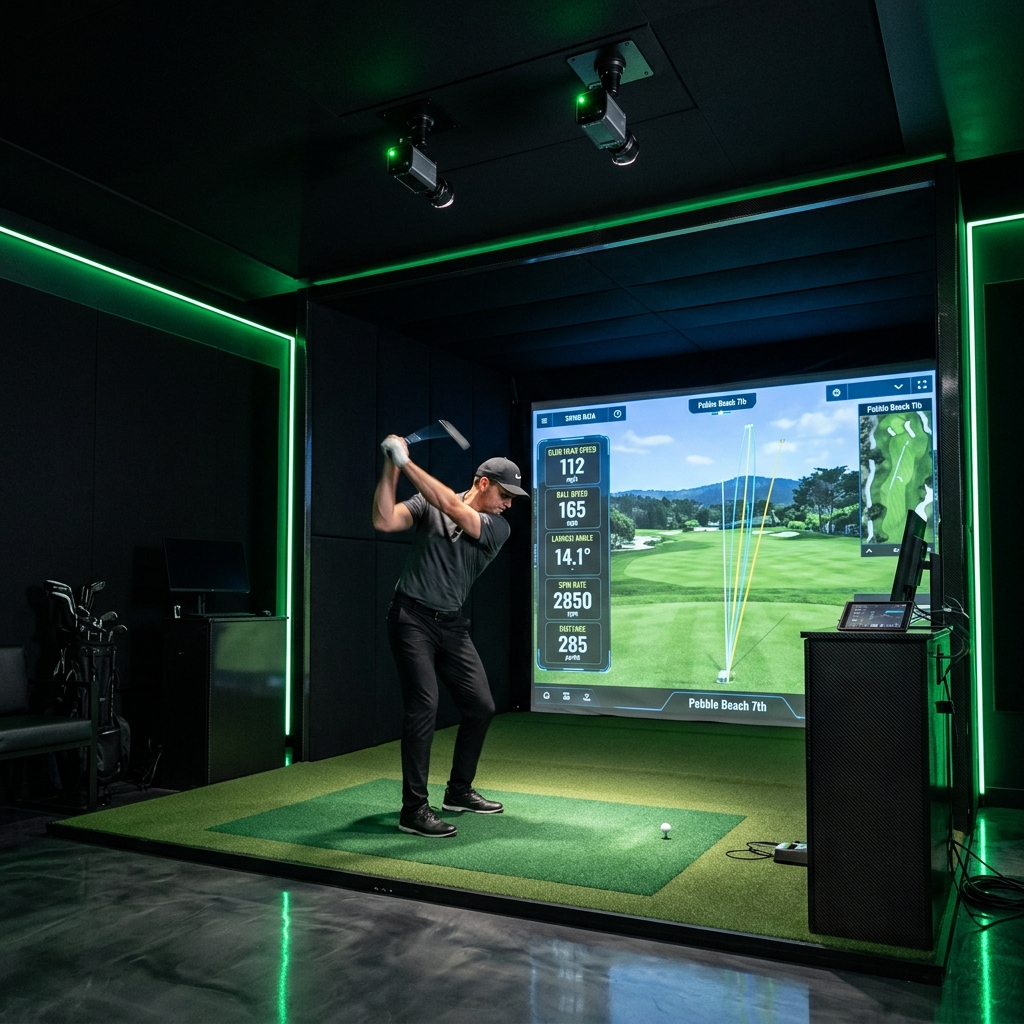
A golf simulator is an indoor setup that lets you hit real golf balls into a large screen while a launch monitor tracks your swing and ball data. The ball's trajectory is then rendered on screen in a photorealistic 3D environment — you can play famous courses like Pebble Beach, St Andrews, or TPC Sawgrass from the comfort of an indoor bay. The experience includes full shot tracking with accurate distances, carries, and ball flights.
What to Bring
- Golf Clubs — Bring your own set if you have one. Some Bay24 locations also provide house clubs for guests.
- Comfortable Clothing — There's no dress code. Wear whatever you'd wear to a casual athletic activity. Golf shoes are optional — flat-soled athletic shoes work great on simulator mats.
- Your Phone — The Bay24 companion app lets you review Swing Lab recordings, order food, and manage your session from your bay.
What to Expect
When you arrive at a Bay24 location, check in at the kiosk using your 4-digit session code (sent to you when you booked). The kiosk will direct you to your assigned bay. Inside, you'll find a large hitting mat, a projection screen, and a launch monitor. The simulator software will already be loaded and ready to go.
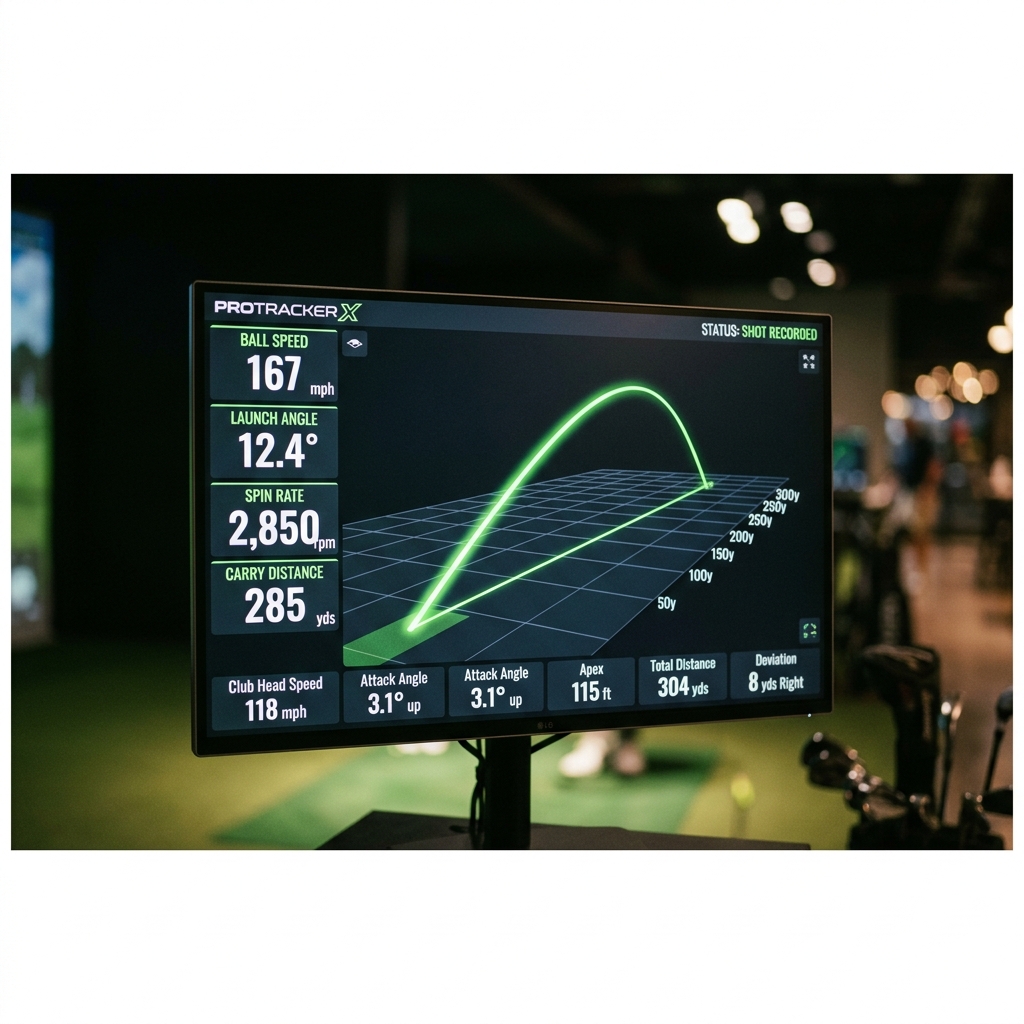
You can choose from over 1,000 real golf courses to play, or use driving range mode to practice specific clubs. Every swing is tracked by the launch monitor and displayed on screen with data including ball speed, distance, spin rate, and trajectory.
Do I Need to Be Good at Golf?
Absolutely not. Golf simulators are one of the best environments for beginners. Private bays mean no one is watching you learn. The launch monitor gives you objective data about every swing, which is far more useful than guessing. And Swing Lab's AI coaching provides instant feedback on your mechanics — like having a patient instructor who never gets tired of watching your swing.
Many Bay24 members started as complete beginners and credit the data-driven practice environment with accelerating their improvement. You can see real, measurable progress from session to session.
How Much Does It Cost?
Bay24 sessions are booked by the hour, typically ranging from $30-60 depending on location and time of day. You can book for as little as one hour or as long as you like. Bay24 membership plans offer discounts of up to 15% on all bookings, plus a punch card system that earns you free hours.
Tips for Your First Session
- Start with the driving range mode — Hit a few warm-up shots before diving into a course round. This lets you calibrate to the mat and screen.
- Don't swing too hard — Indoor simulators reward smooth, controlled swings. Accuracy matters more than distance.
- Watch your data — Pay attention to ball speed and spin rate trends. Consistency in these numbers means consistency in your ball striking.
- Try Swing Lab — Opt in at the start of your session. Seeing your swing on video, even as a beginner, is incredibly educational.